


Hey marketer! 👋🏻
I remember working with a graphic design studio once. Talented people, interesting projects — but emails were disappearing in the inbox, files were named “final_revision_approved_v3,” and nobody quite knew what to tackle first. The result wasn’t just mess. It was stress. That quiet, low-level kind that follows you around all day, draining your energy even when nothing urgent is on fire.
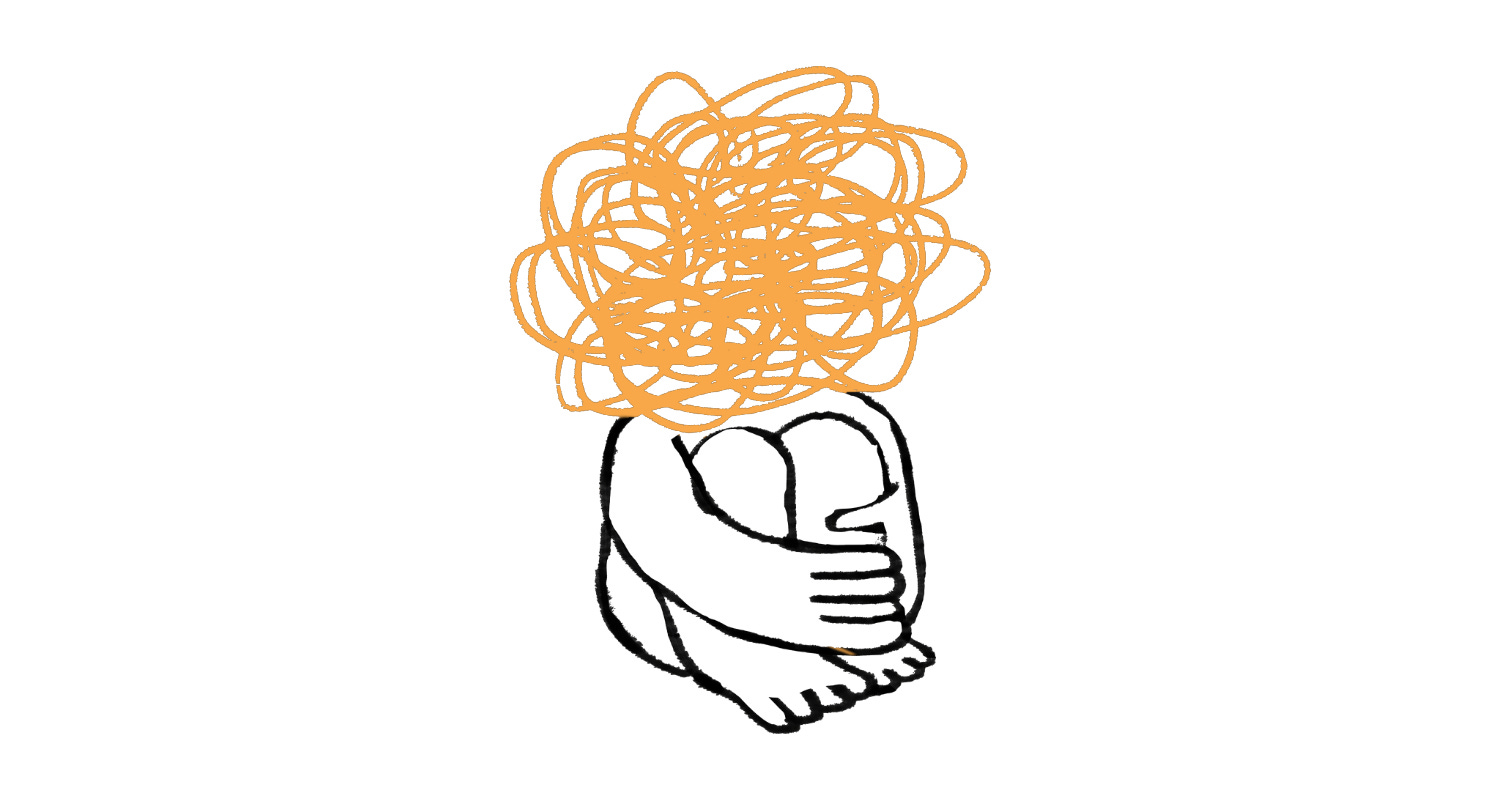
Marketing is, at its core, information. The longer you work in the field, the more channels you manage, the more tools you use, and the more things are waiting for you in various queues. And how you organize those spaces directly affects how you feel while working. Clutter in your digital tools = background noise that costs you energy — even when you don’t notice it.
The good news? It’s fixable — and it doesn’t have to hurt. All it takes is dividing your tools into a few areas and checking where they serve you and where they’re holding you back.
As a companion to this topic, I previously wrote about keeping your marketing materials organized — logos, templates, access credentials, contracts, files for freelancers. That piece was about content and data. Today it’s about the tools you work with every single day.
📧 Email
Your inbox is the place where tasks, questions, and decisions arrive every day — including the ones you haven’t made yet. Even when you’re not actively working in it, a full inbox is waiting for you. Silently, but persistently. That alone adds stress. There are plenty of email clients — I use Gmail within Google Workspace, while Outlook and Superhuman are also popular — and each offers enough options to customize your environment so it works for you, not against you.
🪷 You’ll gain more digital peace when you set aside time for a proper inbox cleanup. If you have thousands of unread emails — and yes, I’ve seen inboxes like that — you don’t have to delete them. Just archive everything older in one go and clear the desk. Then set up rules and filters for incoming mail so new messages get automatically sorted where they belong. And unsubscribing from everything you don’t read is one of the fastest ways to keep your inbox manageable long-term.
✅ Tasks and Projects
What isn’t written down barely exists. And what only lives in your head costs you energy — your brain has to track deadlines instead of actually thinking. For personal and ongoing non-project tasks, I currently like Google Tasks — simple and connected to Calendar. Alternatives include Todoist or Things.
🪷 You’ll gain more digital peace when you write down every new task the moment it appears — and know you won’t forget anything. Give long-postponed tasks a deadline, or delete them entirely.
💡 I covered task and project organization in my article How to Keep Your Marketing Materials Organized — you’ll also find tips there on editorial calendars and campaign tracking.
📅 Calendar
What isn’t in your calendar might as well not exist. Meetings, deadlines, but also blocks for focused work. If it’s not there (and you don’t stick to it), your day gets eaten up by non-urgent tasks while the important ones never get the time or energy they deserve. There are plenty of calendar apps — I use Google Calendar, which syncs across all my devices; Outlook Calendar and Apple Calendar are solid alternatives. The real win is integrating it with your task app — seeing both tasks and meetings in one place makes it much easier to realistically plan what you can actually get done.
🪷 You’ll gain more digital peace when everything lives in your calendar — and you can plan your day, your week, and your downtime in advance. Otherwise you’re just reactively putting out fires as they come. And that’s exhausting over time.
🧠 Notes and Your Second Brain
As a marketer, you constantly stumble across things that might come in handy someday — an interesting article, a content idea, a quote from a book, a code snippet, client feedback. If you don’t capture it anywhere, it’s gone. And if you capture it in random places with no system, you’ll never find it anyway. There are plenty of note-taking apps — I work using Tiago Forte’s PARA method and find Evernote fits me well, though Notion, Obsidian, and Apple Notes are all popular too. A modern advantage of these tools is that AI can now access them — meaning you can work with your notes further using Claude or ChatGPT. I wrote about building this kind of system in detail in The Marketer’s Second Brain.
🪷 You’ll gain more digital peace when you stop relying on memory and start relying on a system. Your head is for thinking — not for storing information.
🌐 Browser
The browser is a marketer’s primary workspace — you spend most of your day in it. Dozens of open tabs, a heap of extensions, bookmarks saved two years ago “to read later” — all of this adds visual and mental clutter. I currently use Brave — it blocks ads (including on mobile), syncs beautifully across all devices, and supports all Chrome extensions. Chrome, Firefox, or Arc (great for experimenters) are solid alternatives.
🪷 You’ll gain more digital peace when you treat bookmarks as a working tool, not an internet archive. What you actually need belongs in tasks or notes — not in a bookmarks bar where you’ll never find it in a few weeks anyway.
📱 Phone and Photos
For many marketers, their phone is a full-blown work device — social media management, meeting notes, client communication, shooting content. All the more reason to keep it organized. A cluttered home screen, dozens of apps you don’t use, and a camera roll full of work screenshots mixed with personal photos — all of this unnecessarily complicates your workflow and adds mental load.
And then there are notifications. Do you really need to know about every email the second it lands? Do you really need alerts for every social media reaction? If you also wear a smartwatch, all of that is literally on your wrist — and instead of working, you’re constantly tracking incoming pings. Turning off notifications from apps that don’t actually require your immediate attention is one of the simplest things you can do for your peace of mind.
🪷 You’ll gain more digital peace when you keep only what you actually use on your phone, and notifications only from apps that truly need them. Backing up photos to the cloud and separating work and personal files into different folders saves a lot of searching — and, unsurprisingly, a lot of frustration.
💬 Messaging Apps
Messages come from everywhere today — WhatsApp, Signal, Telegram, Messenger, SMS, DMs from social platforms, community channels on Discord. Switching between all of them just to keep track of who wrote what is exhausting. And the biggest risk isn’t just lost time — it’s that an important message simply doesn’t reach you in time because it got buried under everything else. What personally saved me is Beeper, an app that aggregates all your messaging apps — I have all my chats and social messages in one place, I can see what’s been handled and what hasn’t, and I don’t have to go hunting anywhere.
🪷 You’ll gain more digital peace when you have confidence that you’ve responded to everyone and nothing slipped through. Smart notification settings help here too. Group chats or community channels where you’re mostly just observing don’t need to interrupt your workday — you can check in when you have a free moment.
🎧 Podcasts, YouTube, and Newsletters
As a marketer, I’m constantly learning and keeping up with the industry — and I’m guessing you are too. Podcasts, YouTube channels, newsletters, articles... There’s endless interesting content out there and the temptation to subscribe to everything that looks useful is real. But content piling up in your podcast app or YouTube queue that you never actually get to isn’t helping you. If anything, it creates the feeling that you’re always behind. And that’s yet another quiet source of stress.
🪷 You’ll gain more digital peace when you subscribe to less and actually consume more. Unsubscribing from newsletters you don’t read, removing channels and podcasts that just keep accumulating — that’s a digital detox that costs nothing and gives a lot. Fewer subscriptions means more space for content that genuinely moves you forward.
🔐 Password Manager
As a marketer, you manage dozens of logins — websites, social media, ad accounts, tools, e-shops. Passwords in your head, in random notes, or one password for everything are a security risk you might not fully appreciate. A password manager lets you have strong, unique passwords for every service, securely share access with freelancers or colleagues, and have everything available across all your devices. Apps like 1Password, Bitwarden (free and open source), or Dashlane — which can share access without the other person ever seeing the actual password — are all great options. Especially useful when you need to give someone access without handing over your credentials directly. I wrote about managing logins and passwords in more detail here.
🪷 You’ll gain more digital peace when you know your accounts are secure. A password manager also watches for data breaches and duplicate passwords — and that alone is worth having one.
The energy you have throughout your workday isn’t unlimited. The less of it that drains away into unnecessary stress — from an overflowing inbox, from chaotic tools, from notifications you don’t need — the more you have left for work that actually moves you forward. It’s worth keeping an eye on that.
See you in the next one 👋🏻
Jan Barborik
P.S.: If you enjoyed this article, forward it to a friend.
If you're that sexy friend, subscribe here.
P.P.S: Enjoying the content? Support the project! Help me keep creating practical marketing content by buying me a coffee. Every cup fuels more articles, tips, and resources for fellow entrepreneurs like you!